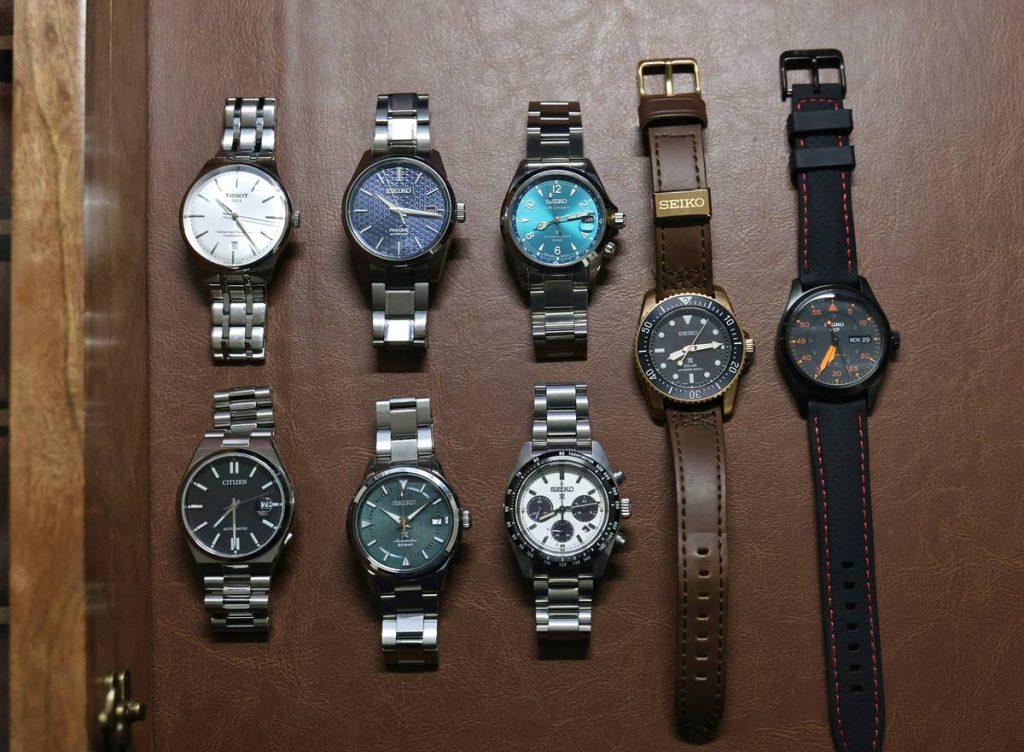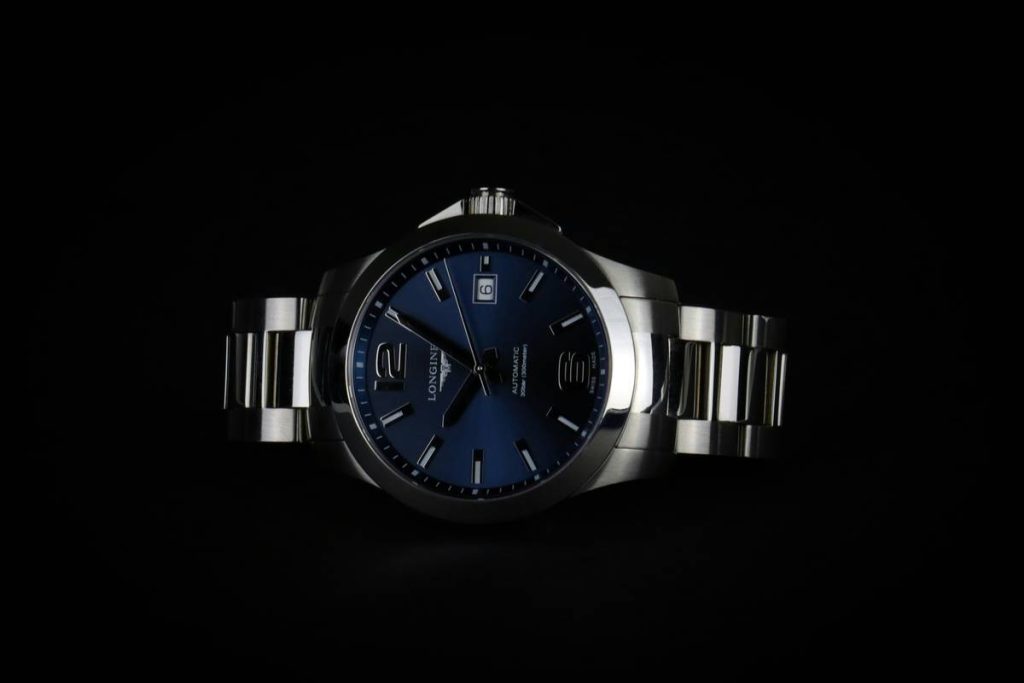
You spent months designing the perfect timepiece. Sleek case, premium movement, flawless finish. Then you upload 12 static product photos—and watch engagement flatline. Customers scroll past like it’s yesterday’s news. Why? Because today’s buyers don’t just want to see a watch—they want to create it. Enter the watch color configurator: your secret weapon for turning window shoppers into committed buyers.
The Fatal Flaw in Static Watch Photography
Most luxury and microbrands treat customization as an afterthought. They dump three pre-made color combos online and call it “personalization.” It’s not. Real customization means control—dial hue, strap texture, accent hands, even stitching thread. Without that depth, you’re fighting against Amazon knockoffs with better UX. And losing.
Here’s the reality: if your customer can’t visualize their watch on their wrist before checkout, they’ll abandon. Fast.
Building a High-Conversion Watch Color Configurator: A Step-by-Step Blueprint
Forget off-the-shelf plugins with clunky sliders and pixelated renders. A true watch color configurator merges photorealism with intuitive interaction. Here’s how to get it right:
Map Every Physical Component to Digital Options
Break your watch into modifiable zones: case material (steel, titanium, ceramic), dial base (matte, sunburst, guilloché), hand style (dauphine, sword, alpha), strap type (leather, rubber, mesh)—and crucially, their interdependencies. Not every dial works with every strap. Your tool should enforce aesthetic harmony, not chaos.
Use Real-Time 3D or Layered 2D Rendering
Pre-rendered images won’t cut it. You need either WebGL-powered 3D models or a smart layered PNG stack that swaps assets instantly without reloading. Speed is non-negotiable—any lag over 0.5 seconds kills immersion.
Embed Social Proof Directly in the Tool
Show user-generated builds (“#MyFormultimarca”) alongside the configurator. Seeing real people wearing custom combos builds instant trust—and reduces perceived risk.

| Implementation Method | Cost Range | Time to Launch | Realism Level |
|---|---|---|---|
| Basic Image Swapper (JS/CSS) | $1K–$3K | 1–2 weeks | Low (flat visuals, no depth) |
| Layered PNG Engine | $5K–$12K | 3–6 weeks | Medium (accurate textures, fixed angles) |
| WebGL 3D Configurator | $15K–$40K+ | 8–14 weeks | High (rotatable, lifelike lighting) |
The Industry Secret: Configurators Don’t Just Sell Watches—They Predict Trends
Here’s what brands rarely admit: your watch color configurator is a goldmine of behavioral data. Every click, every abandoned combo, every saved build reveals unmet demand. Notice 72% of users try pairing navy dials with bronze cases—even though you never offered it? That’s your next limited edition. But most companies treat the tool as a sales gimmick, not a R&D sensor. Big mistake. The math is simple: the brands that mine configurator data launch faster, stock smarter, and kill slow-moving SKUs before they bloat inventory.
Frequently Asked Questions
What is a watch color configurator?
It’s an interactive tool letting customers customize dial, case, strap, and accents in real time—seeing their unique watch before purchase.
Can small watch brands afford a configurator?
Yes. Start with a layered 2D system ($5K–$12K). Skip full 3D until you validate demand through early user behavior.
Does customization increase average order value?
Consistently. Brands using a watch color configurator report 22–38% higher AOV due to premium material add-ons and emotional investment.